TechRadar Verdict
The Amazon Fire TV Omni QLED Series is an average TV. There’s no Dolby Atmos, brightness is ho-hum, and its refresh rate is a standard 60Hz. It does have a QLED display and full array local dimming (except in the smallest size), but aside from Hands-free Alexa+, there’s little to distinguish it from the competition.
Check Amazon Singapore Pros- +
Hands-free Alexa+
- +
Full-array local dimming
- +
Privacy shutter for Alexa mic
- -
Limited brightness
- -
60Hz refresh rate
- -
No Dolby Atmos
- I’m a trained TV calibrator, and here are the best TVs you can buy today
- The best 55-inch 4K TVs for all budgets, all tested by our experts
- The best mini-LED TVs for all budgets, tested by our experts
Why you can trust TechRadar We spend hours testing every product or service we review, so you can be sure you're buying the best. Find out more about how we test.
Jump to:- Two-minute review
- Price and release date
- Specs
- Benchmark results
- Features
- Picture quality
- Sound quality
- Design
- Smart TV and menus
- Gaming
- Value
- Should you buy it?
- Also consider...
- How I test
Amazon Fire TV Omni QLED (2025): Two-minute review
The Amazon Fire TV Omni QLED (2025) is an interesting TV for one reason: it uses Amazon’s new AI-powered Alexa+, which is a more contextual, conversational, and higher-functioning version of the company’s voice assistant.
On the plus side, Amazon’s built-in voice assistant is very well-implemented, and there’s even a mic mute for privacy. Also, you can expect to find the Amazon Fire TV Omni QLED priced considerably lower during the company’s regular sales events.
Amazon Fire TV Omni QLED (2025) review: Price and release date
- Release date: November 2025
- 50-inch: $479.99
- 55-inch: $589.99
- 65-inch: $849.99
- 75-inch: $1,199.99
The Amazon Fire TV Omni QLED (2025) was released in November 2025 and replaces an earlier version of the TV with the same name. Having just been released in time for Black Friday, it ended up priced a few hundred dollars below list price during that time, with the 50-inch model’s price dropping to $279.99 and the 65-inch model to $749.99.
The Amazon Fire TV Omni QLED (2025) is currently only available in the US.
Amazon Fire TV Omni QLED (2025) review: Specs
Swipe to scroll horizontallyScreen type:
QLED
Refresh rate:
60Hz
HDR support:
Dolby Vision, HDR10+ Adaptive, HDR10, HLG
Smart TV:
Fire TV
HDMI ports:
4x HDMI 2.0
Built-in tuner:
ATSC 1.0
Amazon Fire TV Omni QLED (2025) review: Benchmark results
Amazon Fire TV Omni QLED (2025) review: Features
- Hands-free Alexa+ allows for deeper control
- Can be used with Alexa smart home ecosystem
- Amazon Ambient Experience
The Amazon Fire TV Omni QLED Series supports both the Dolby Vision and HDR10+ adaptive high dynamic range formats, but the big feature on this TV is Amazon’s new Alexa+, a souped-up version of Alexa that allows for a higher level of flexibility and control.
For example, I’m able to not only ask for movie recommendations but also issue more basic commands like opening an app. I can even ask for things like the Philadelphia Eagles’ upcoming NFC schedule or what the weather outside is like. And I can do all this without picking up the remote control since Alexa+ is hands-free on this TV. The mic can be muted (there’s a slider under the front of the TV) if you’re worried about privacy, but otherwise, it can be used just like any other Alexa device. Alexa+ is free for Prime members but $19.99 a month if you don’t have Prime.
Get daily insight, inspiration and deals in your inboxContact me with news and offers from other Future brandsReceive email from us on behalf of our trusted partners or sponsorsBy submitting your information you agree to the Terms & Conditions and Privacy Policy and are aged 16 or over.Since this TV has Alexa+ built in, it can be incorporated into an Alexa ecosystem. I found there were some limitations on what I could do using an Amazon Echo speaker, but I was able to turn on the TV and open apps through my Echo in my kitchen.
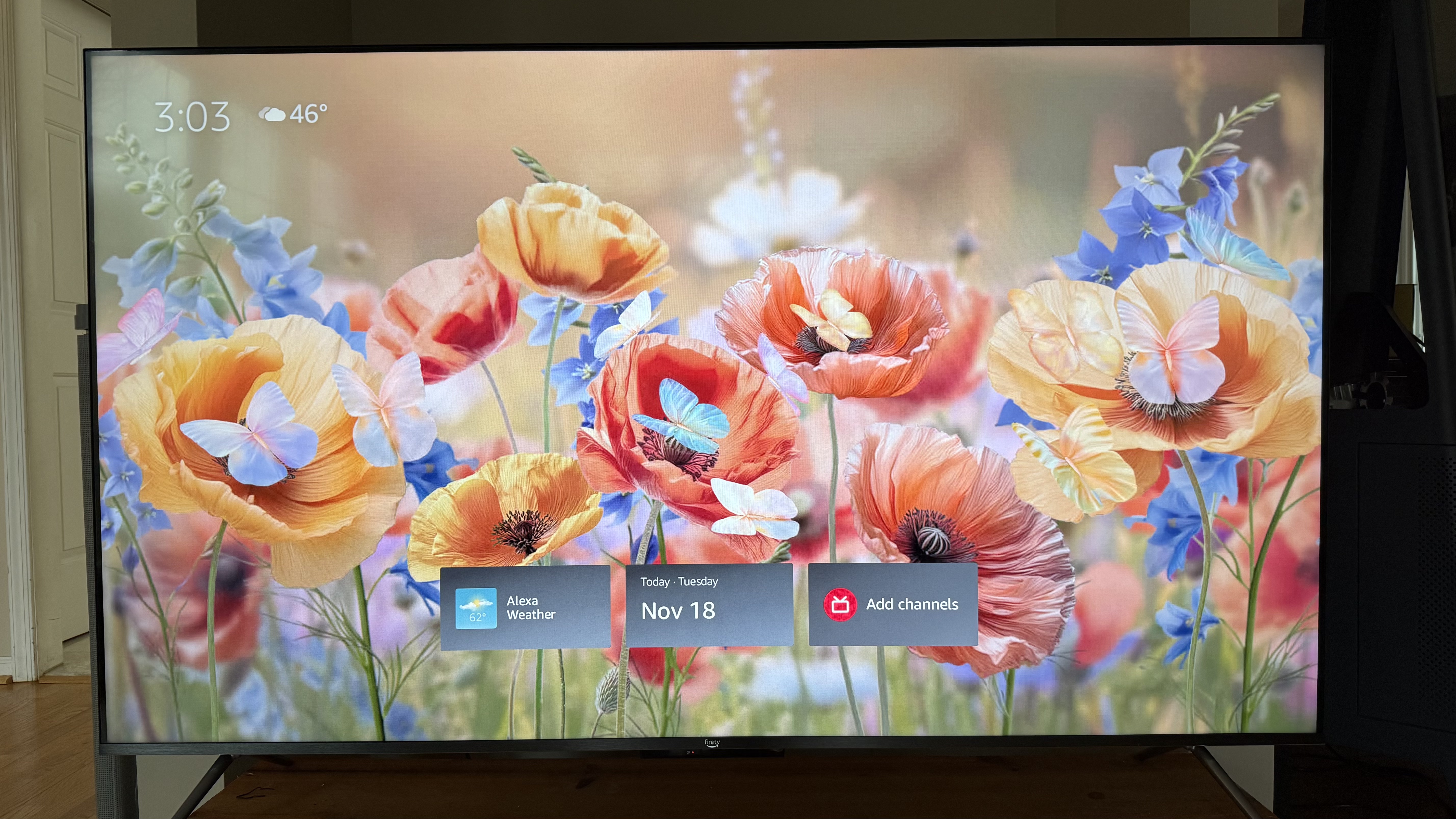
The other feature worth noting is the Ambient Experience. Every TV seems to now have some version of this feature, most likely due to the popularity of Samsung’s The Frame TV, and it’s also recently arrived on Amazon Fire TV devices.
Amazon’s Ambient Experience is a pretty cool feature that allows you to choose from a number of dynamic and static screens that will play when the TV is in standby mode. You can also customize it to have certain widgets displayed for time, temperature, and more. There are 2,000 free images to choose from, and you can also upload photos to display a personal photo reel. Amazon’s Omnisense sensors let the TV automatically display images when you walk into the room, and they even provide an interactive component.
Apple AirPlay is available for wireless casting from a phone or tablet to the TV, and so is Matter Casting.
- Features Score: 3.5/5
Amazon Fire TV Omni QLED (2025) review: Picture quality
- Limited brightness
- Full-array local dimming on all but the smallest size
- Average color gamut coverage
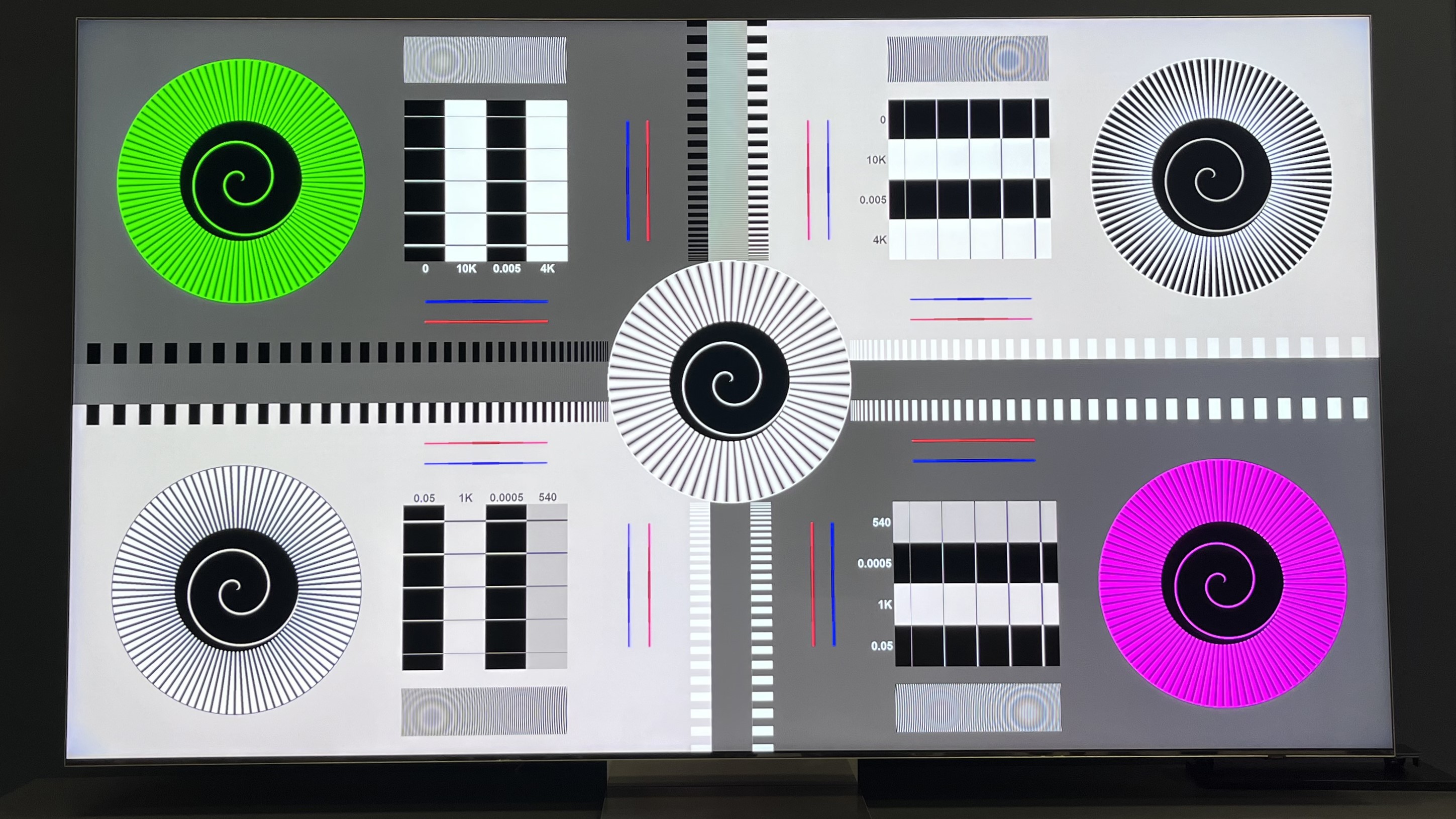
The picture quality of the Amazon Fire TV Omni QLED Series doesn’t quite measure up to the Amazon Fire TV Omni Mini-LED, but then again it’s also cheaper. In Filmmaker Mode, we measured HDR Peak Brightness at 510 nits, compared to Omni Mini-LED’s 973 nits in the same picture preset. In Standard mode, the Omni QLED’s peak brightness was 598 nits, and fullscreen brightness was 528 nits.
Full-array local dimming, a feature that improves contrast, is provided on all sizes except the smallest (50-inch). I like to test this using images that show a black background with lighter objects on parts of the screen. With these, the TV did a good job – I didn’t notice any light blooming on the black areas.
The Omni QLED Series’ measured UHDA-P3 color gamut was 93.7% when we tested it, and 71.6% for BT.2020, both of which could be better. (Our target UHDA-P3 coverage is 95% for TVs.)
The TV’s Delta-E in Filmmaker Mode was 7, which is a worse-than-average result for picture accuracy for that preset. (The closer to zero, the better, with many TVs measuring under 3dE in Filmmaker Mode on this test.)
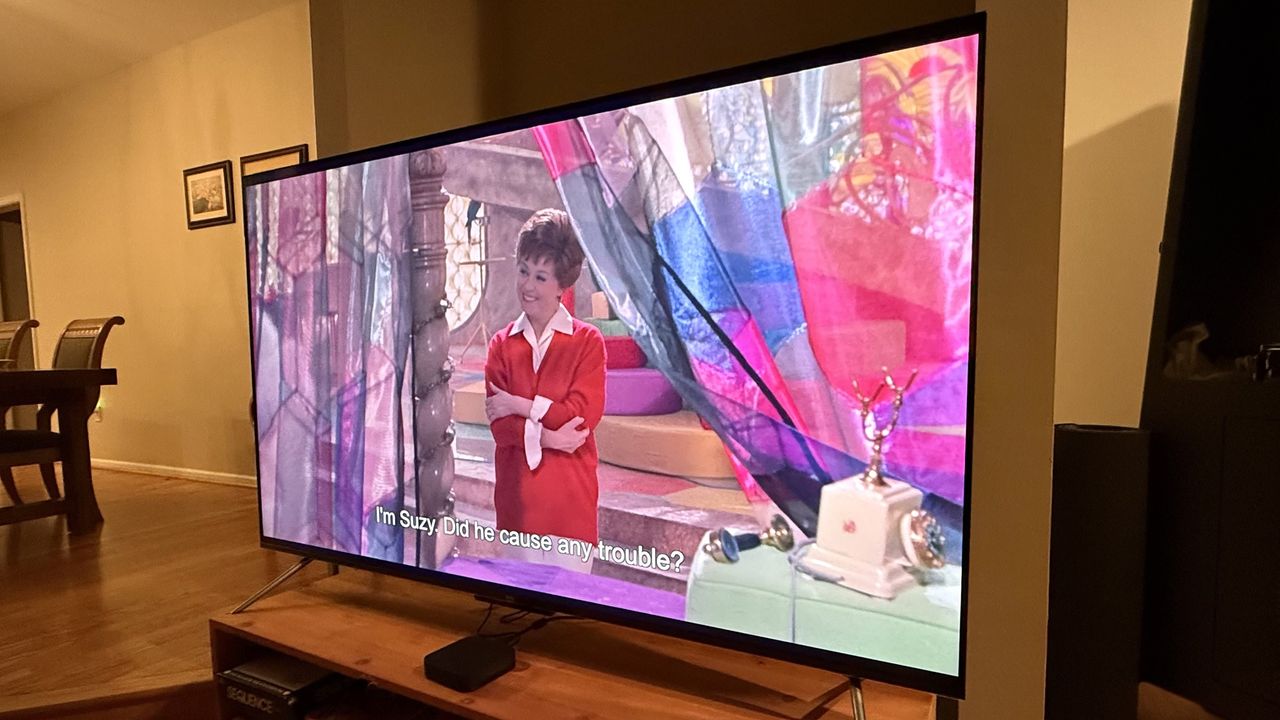
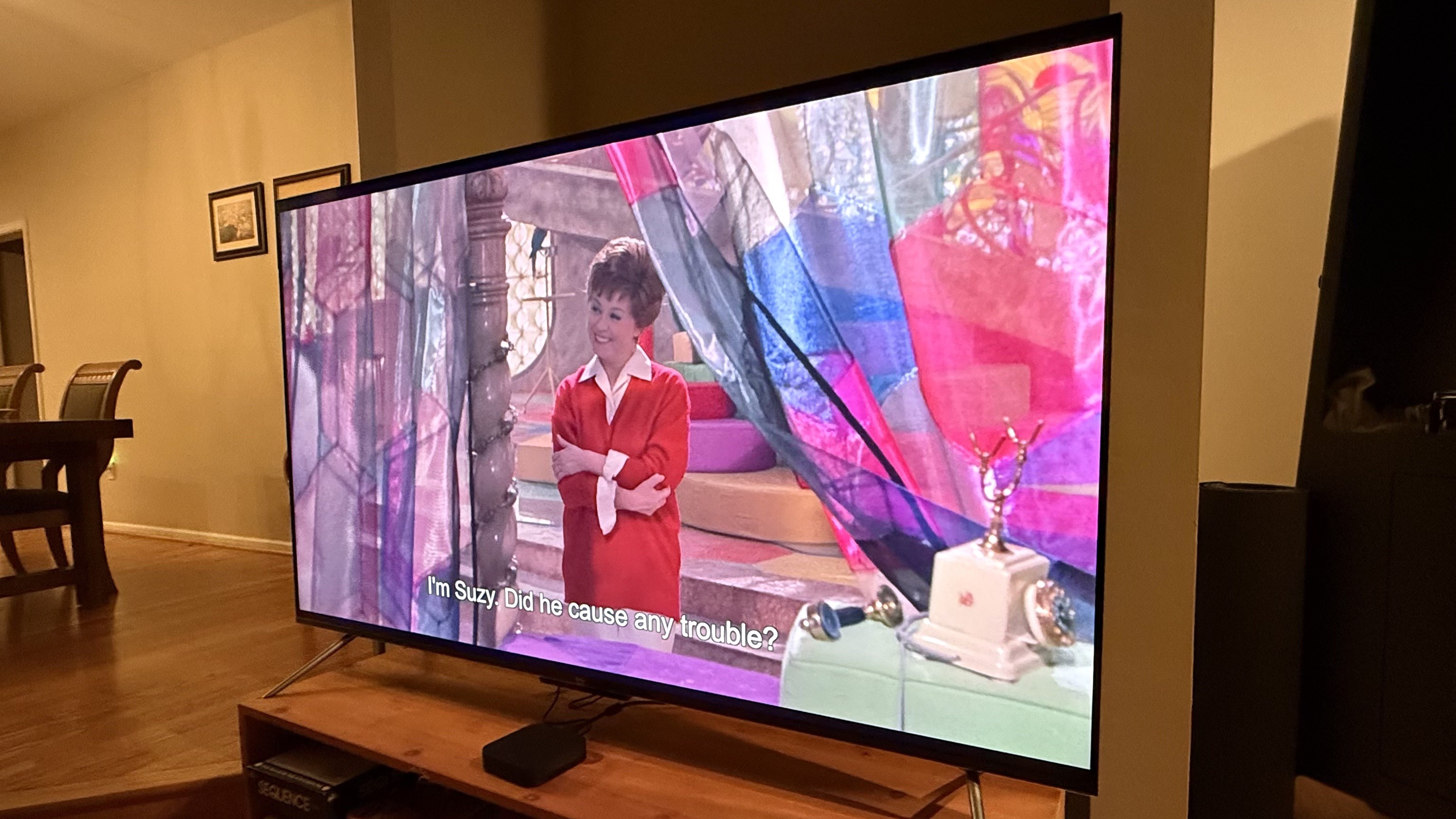
In real-world use, the Omni QLED Series’ picture wasn’t as bright as other TVs I’ve tested, but the picture was still crisp and vibrant, whether I was watching the animated Coco (one of my favorites for testing), an action movie, or sports.
- Picture quality score: 3.5/5
Amazon Fire TV Omni QLED (2025) review: Sound quality

- Limited bass
- No Dolby Atmos support
- Dialogue boost and volume leveler
The sound quality on the Amazon Fire TV Omni QLED Series is not going to make you skip getting one of the best soundbars. There are only 12 watts each for the speakers and the sub, so even though it can get loud, it tends to lose definition at louder volumes.
Also, there’s not much bass. You won’t get any rumble, just a mid-low-end boost. I found it to be a strange experience when testing with Deadpool & Wolverine and watching a big fight scene where none of the punches, or the score for that matter, had much weight to them.
Dolby Atmos isn’t supported, either, which is another reason to upgrade the sound with a soundbar (preferably one with a subwoofer).
I do appreciate that there’s a five-band EQ in the settings. Also in the settings are a Dialogue Boost, Dolby Dialogue Enhancer, and Volume Leveler (the last two in the TV’s advanced settings). The first two help with making dialogue clearer by boosting the frequency at which voices sit. The latter is similar to a Night Mode and works well enough at bringing up quieter parts while making louder parts quieter.
- Sound quality score: 3/5
Amazon Fire TV Omni QLED (2025) review: Design
- Basic looks
- Hidden privacy slider for built-in mic
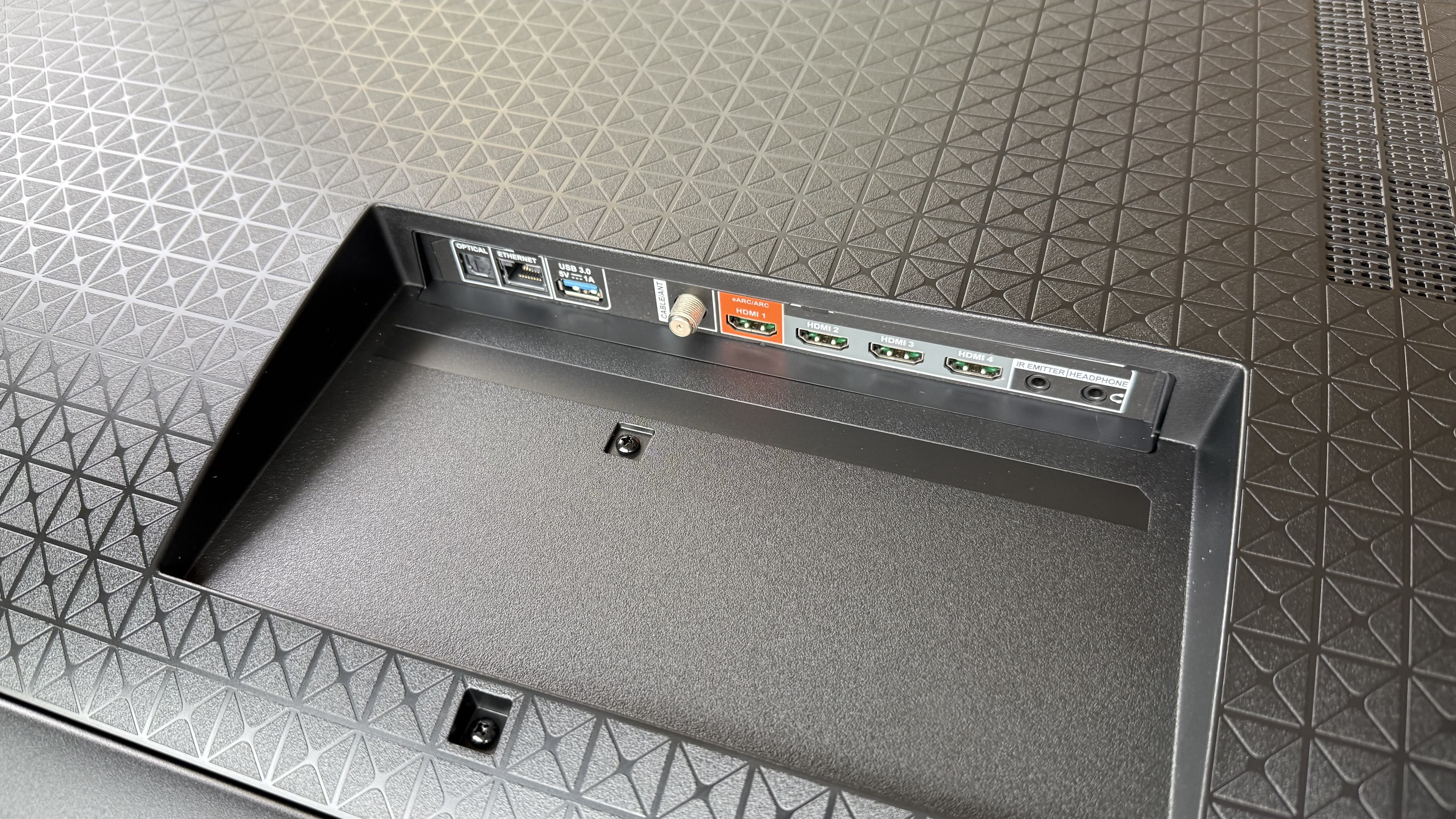
- Four HDMI ports, one with eARC
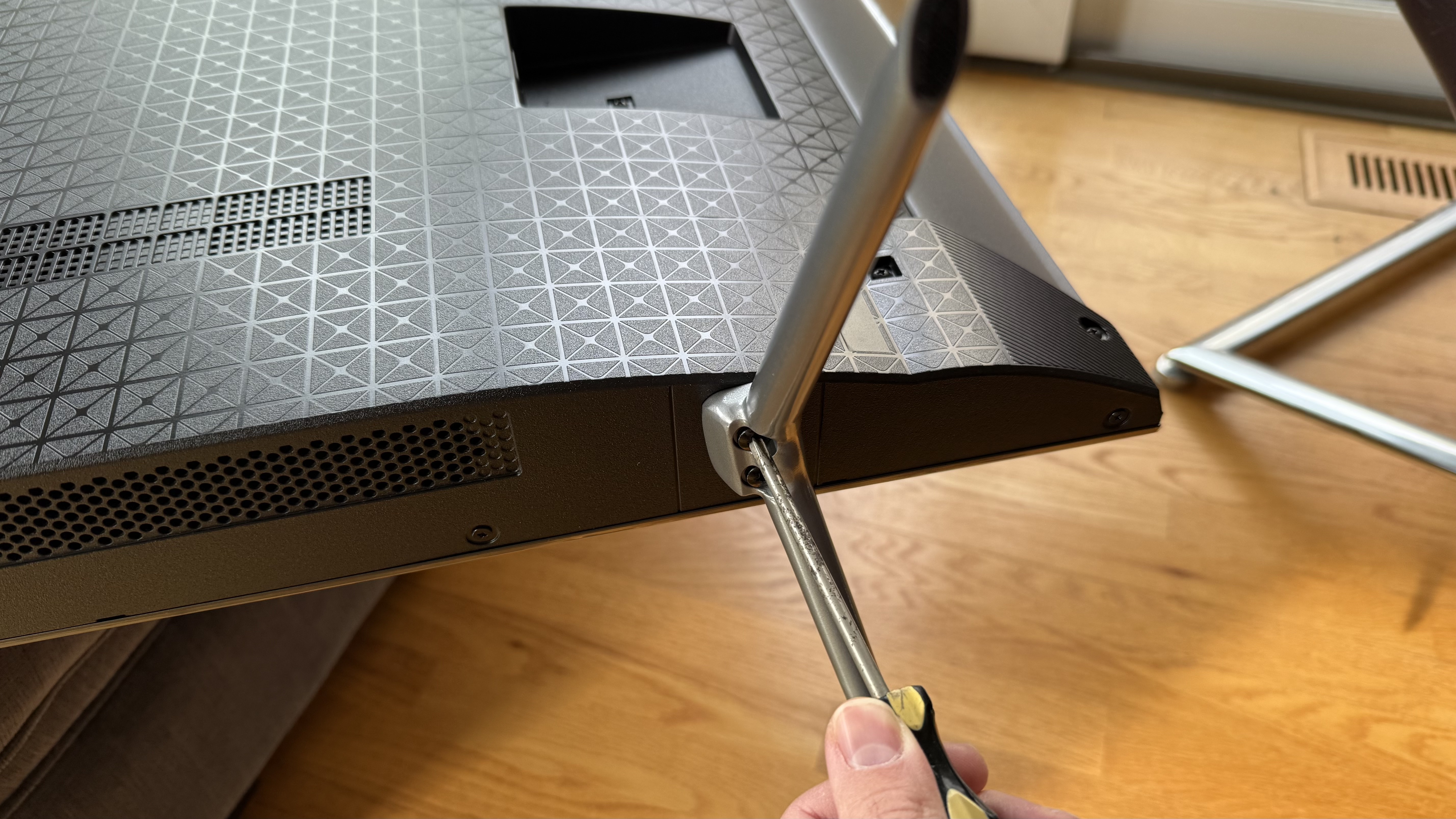
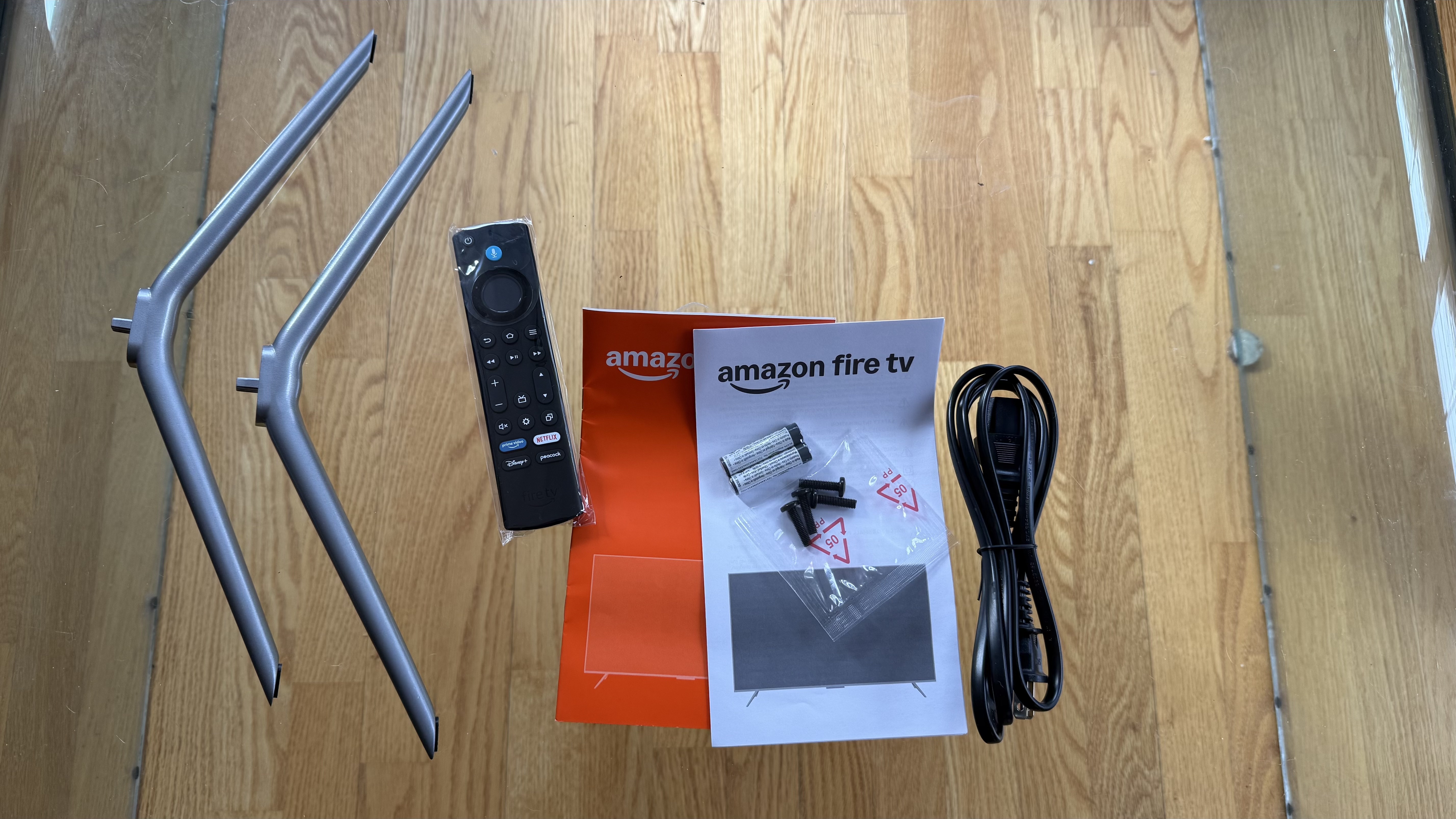
On the surface, the Amazon Fire TV Omni QLED looks like a typical budget-level TV, though its bezels are at least thin. You’ll need a Philips head screwdriver for connecting the support feet to the TV (with included screws), but that takes a very short time to install.
There’s a slider hidden on the TV’s bottom edge to mute the built-in Alexa mic for privacy. Onboard controls are limited to the slider and button to control inputs, power, and navigate some basic settings.
The Fire TV Omni QLED has four HDMI ports, one with eARC. Also on hand is an optical port, coaxial, USB, headphone jack, and an IR transmitter port.
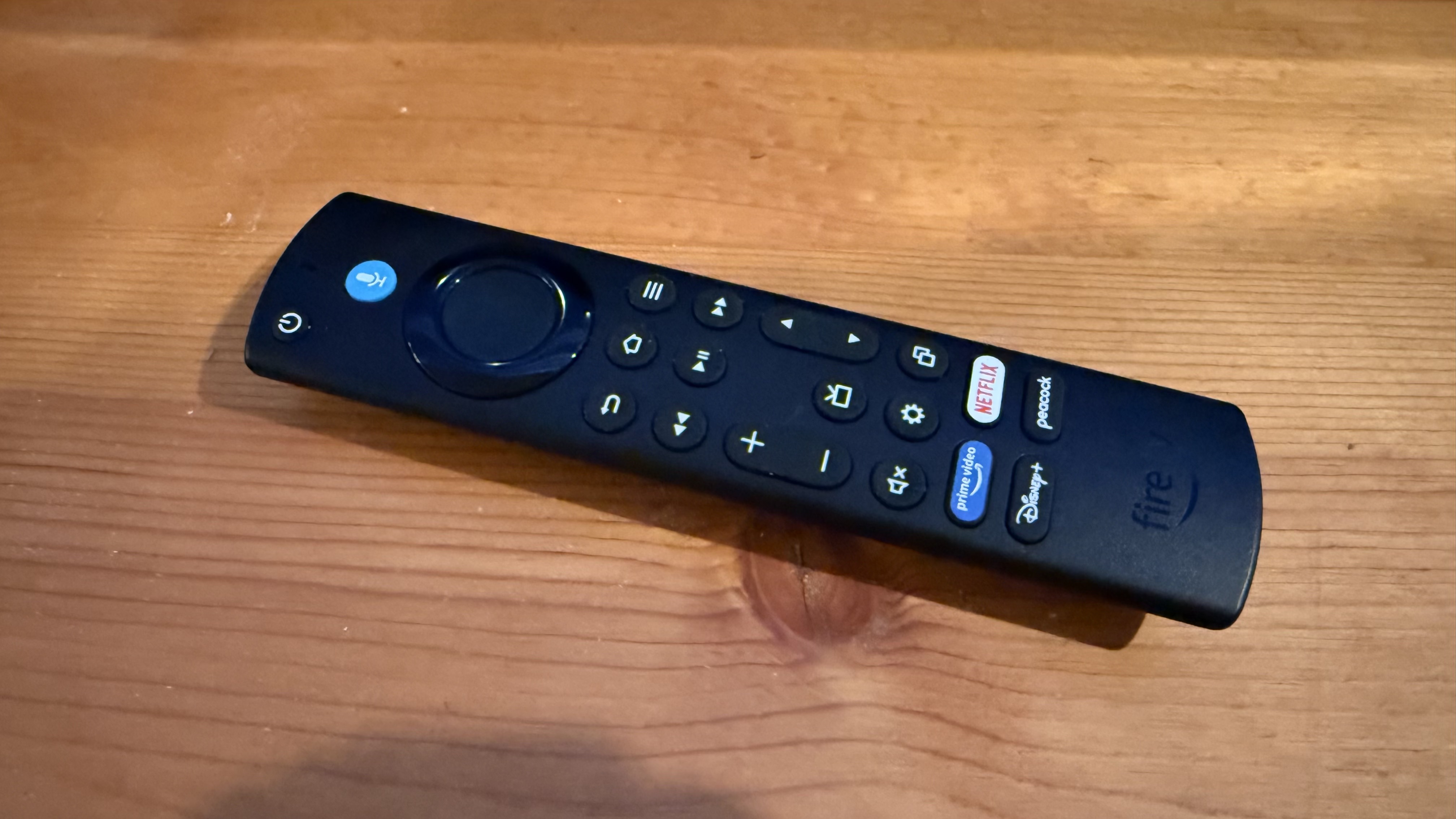
Amazon’s remote looks the same as the one it includes with its Fire TV streaming sticks. It has a talk button if you don’t want to use the built-in mic on the TV and buttons at the bottom for Prime, Netflix, Disney+, and Peacock, along with the usual suspects. It feels pretty good in the hand with its convex back. The only other thing worth mentioning is that it takes two AAA batteries instead of being rechargeable.
- Design score: 3/5
Amazon Fire TV Omni QLED (2025) review: Smart TV and menus
- Very Prime-oriented even outside of the app
- Plenty of live and free content
- Menu diving is mostly easy, though some HDR settings are hard to find
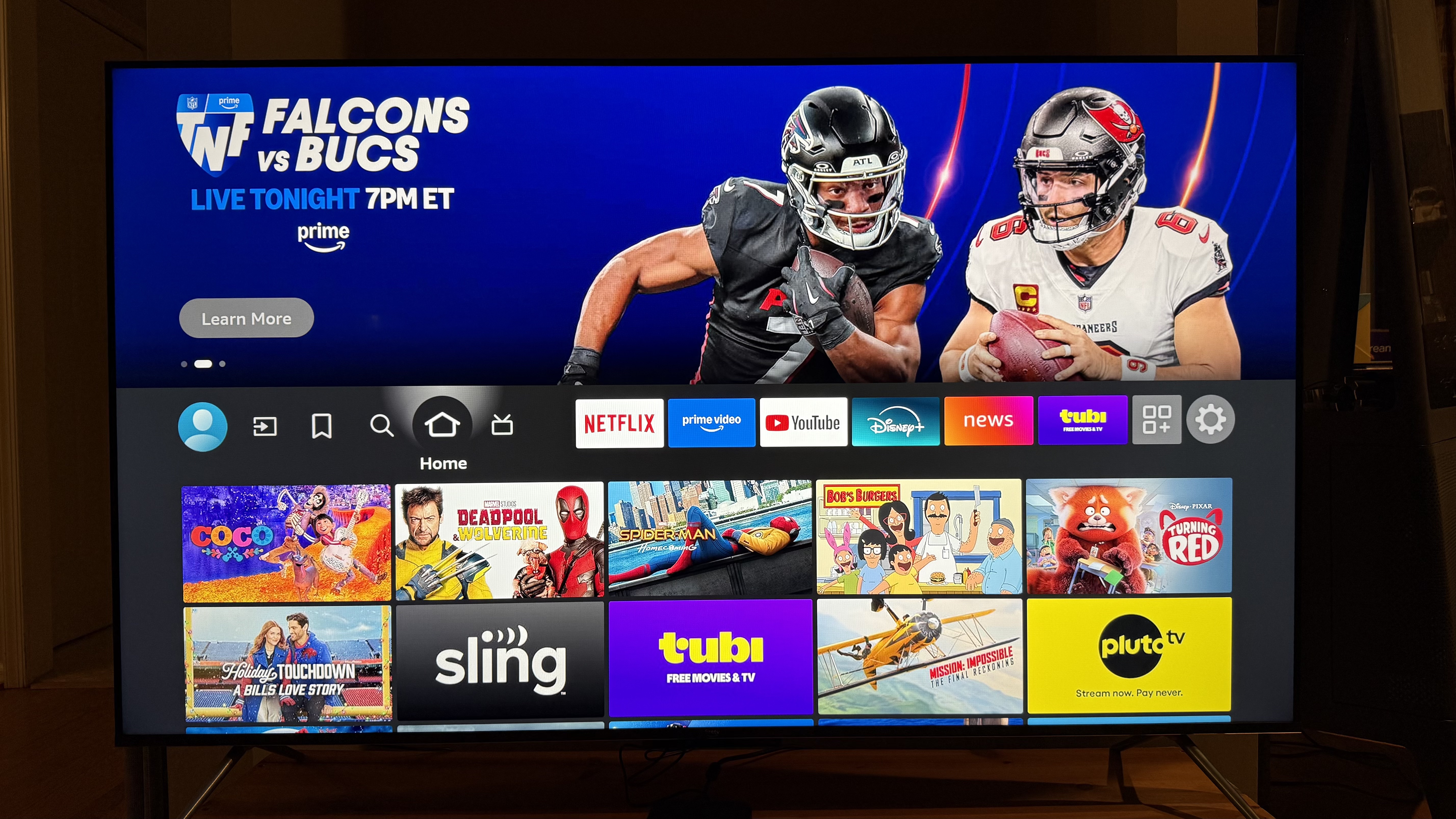
Since the Amazon Fire TV Omni QLED Series naturally uses the Fire TV interface, be prepared for a very Amazon Prime-centric experience. The top half of the home page consists of a rotating preview banner that autoplays both suggested content and ads that are more often than not Amazon-related.
Scrolling down past the streaming service tiles, you’ll see rows such as “Continue Watching,” “Sponsored,” and an assortment of recommendations. All the apps one could want are a download away, but a good number of the preloaded ones are Amazon ones, like Amazon Kids+ and Luna.
Plenty of content is built in – there’s a whole guide’s worth of live TV, including free channels like NFL Live, CBS, Fox, ABC News Live, NBC News Now, and more in the US.
Menu diving on the Amazon Fire TV Omni QLED was initially confusing for me since the layout of categories is a bit different than on other interfaces. That said, it was easy to navigate after a few times using it. The one gripe I do have is that while I can cycle through most of the modes in the settings, any HDR-related adjustments only become available and selectable while watching content. Even though the TV picks the right mode automatically (if auto picture mode is enabled), it would be nice to have some control over choosing the picture mode I want before starting a movie.
- Smart TV & menus score: 4/5
Amazon Fire TV Omni QLED (2025) review: Gaming
- 60Hz refresh rate
- Game Mode
- Luna app for cloud gaming
The Amazon Fire TV Omni QLED isn't anything special for console gaming. Unlike the Fire TV Omni Mini-LED, which supports up to 144Hz, this TV tops out at a 60Hz refresh rate, so you’re not going to get the smooth performance that next-gen consoles are capable of.
I do appreciate that, if TV Mode is set to Auto, it will automatically change to its Game Mode setting. This mode does a good job of letting the colors pop. I found the image to look good when using my PlayStation 5, even if the 60Hz refresh rate was a hurdle for performance.
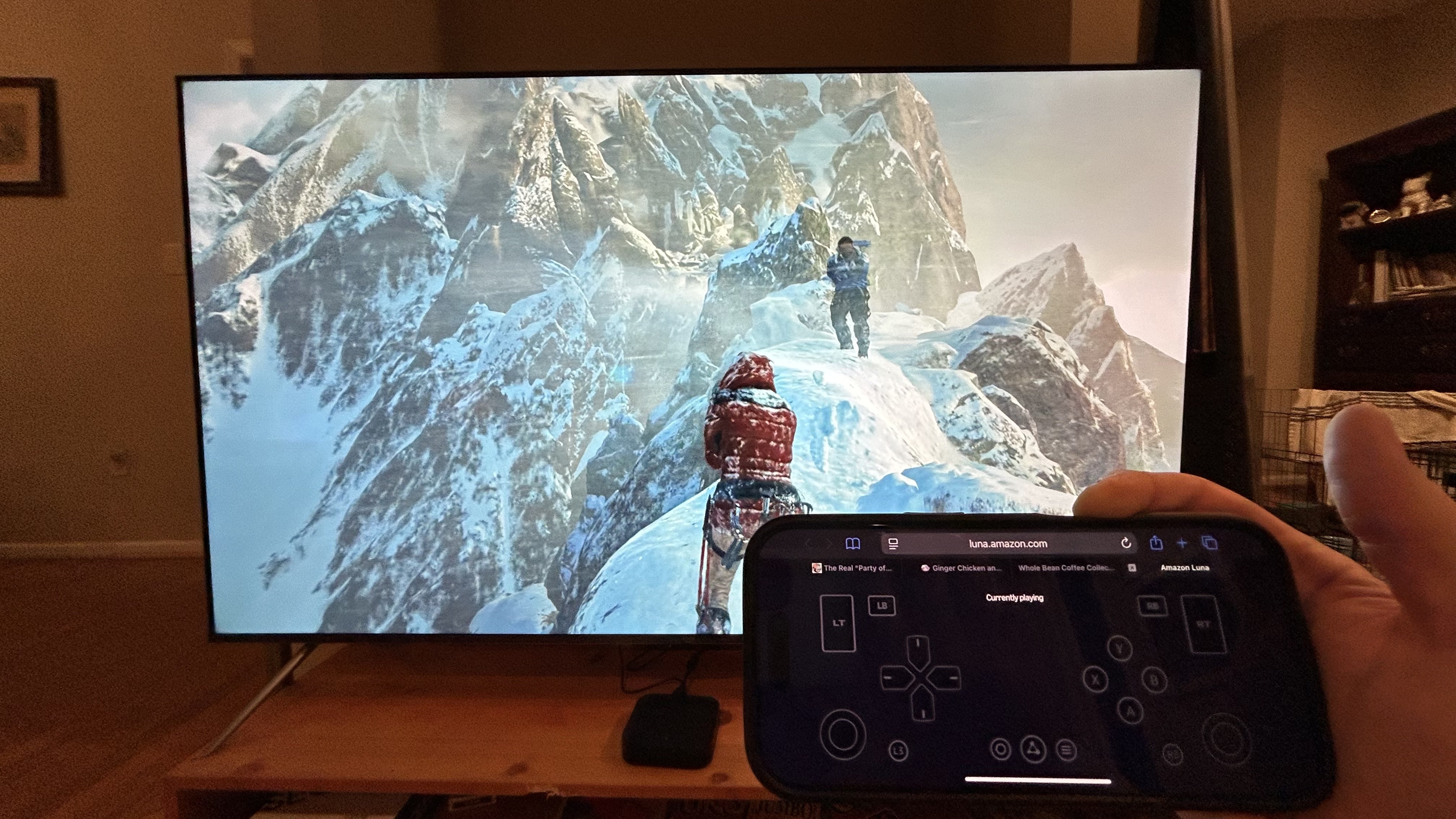
The one somewhat bright spot is that Amazon’s Luna app provides access to cloud gaming, some of which is free or included for those with Amazon Prime. I appreciated that I could use either my phone or an external controller, which can be paired when booting up a game, for playing any of the games. I also appreciate that there was a healthy selection of games to purchase, alongside the free offerings.
- Gaming score: 3/5
Amazon Fire TV Omni QLED (2025) review: Value
- Cheaper than similar TVs
- Sacrifices some features
- Other options with Fire TV built-in
As I mentioned before, I consider the Amazon Fire TV Omni QLED Series to be an okay deal at $849.99 for a 65-inch model. Of course, this is Amazon, so you’re more likely to see regular discounts.
How does it compare? It comes with some compromises compared to other TVs that I consider to be its competition. I’ve tested two other mid-range TVs that punch well above their weight. The TCL QM6K is one that immediately comes to mind. The price of the 65-inch model is currently selling for less than the Amazon Fire TV Omni QLED reviewed here, and it supports a 144Hz refresh rate, Dolby Atmos audio, and uses a mini-LED backlight with “Halo Control technology” to minimize blooming.
There’s also the Hisense U65QF, which is also sells for less than Amazon’s TV. Like the TCL, it supports a 144Hz refresh rate and Dolby Atmos audio, and it also uses a mini-LED backlight. And with a Fire TV interface, you basically get the same smart features as the Amazon Fire TV Omni QLED.
- Value score: 3/5
Attributes
Notes
Rating
Features
Hands-free Alexa, plus the souped-up, context-aware Alexa+ for deeper and smarter smart home integration
.3.5/5
Picture quality
Brightness is average and the accuracy could be better, but it at least has full-array local dimming (except the smallest size)
3.5/5
Sound quality
Sound quality is pretty limited with not much bass. The decent volume leveling and dialog boost are a nice touch
3/5
Design
Design is mostly what one would expect for a budget TV
3/5
Smart TV and menus
Be prepared for an Amazon-heavy experience with this TV, with some advanced picture settings tricky to access in menus
3.5/5
Gaming
Refresh rate is capped at 60 Hz but features the Luna app for cloud-gaming
3/5
Value
Good overall picture quality, but competition offers equally good performance and superior gaming features for the price
3/5
Should I buy the Amazon Fire TV Omni QLED (2025)?
Buy it if...
You have PrimeIf you have Amazon Prime, then the souped-up Alexa+ is free. It’s definitely a unique experience turning off the TV through an Amazon Echo elsewhere in the house.
You use AlexaThe TV’s Alexa integration is something you can really take advantage of if you’re already bought into the Alexa smart home ecosystem.
Don't buy it if…
You’re a console gamerThe TV’s refresh rate is capped at 60Hz, so you won’t be getting the most out of your Playstation 5 or Xbox Series X game console.
You want Dolby AtmosIf you want a TV that supports Dolby Atmos, you’ll have to look elsewhere, or you could just buy a soundbar to use with this TV.
Also consider...
Swipe to scroll horizontallyHeader Cell - Column 0Amazon Fire TV Omni QLED (2025)
Hisense U65QF
TCL QM6K
Roku Pro Series
Price (65-inch)
$849.99
$999
$999
$1,199
Screen type
QLED
QLED w/ mini-LED
QLED w/ mini-LED
QLED w/ mini-LED
Refresh rate
60Hz
upt to 144Hz
Up to 144Hz
120Hz
HDR support
Dolby Vision/HDR10+ Adaptive/HDR10
Dolby Vision IQ, HDR10+, HDR10, HLG
Dolby Vision IQ/HDR10+/HDR10
Dolby Vision IQ/HDR10+/HDR10
Smart TV
Fire TV
Fire TV
Google TV
Roku
HDMI ports
4 HDMI 2.0
4 (2x HDMI 2.1)
4 (2x HDMI 2.1)
4 (2x HDMI 2.1)
Hisense U65QF
The Hisense U65QF is very affordable for a mini-LED TV. It’s packed with features like Dolby Atmos, a 144Hz refresh rate, and Dolby Vision IQ. It also has Alexa built in, though not Alexa+. Finding the video settings does take some deep menu diving, and the Prime-focused interface is a bit of an acquired taste.
Read our full Hisense U65QF review
TCL QM6K
The TCL QM6K is excellent value and cheaper with discounts than the Amazon Fire TV Omni QLED Series, though it doesn’t have quite the audio quality or Alexa integration. What it does have is great picture quality with vibrant colors, good contrast, and minimal blooming.
Read our full TCL QM6K review
Roku Pro SeriesThe Roku Pro Series is another budget mini-LED TV that’s priced around the same as the Amazon Omni QLED, but beats it when it comes to features and design. With both 120Hz support and an ultra-low input lag, it’s also a superior gaming TV and has a more streamlined and pleasing smart interface.
Read our full Roku Pro Series review
How I tested the Amazon Fire TV Omni QLED (2025)
- I used the Amazon Fire TV Omni QLED Series for several weeks
- Tested with TV, movies, music, and games
- Benchmark measurements conducted by Future US testing lab
I used the Amazon Fire TV Omni QLED Series as my main TV for several weeks. I used it with TV, movies, and games. I tested the various features to see if they work as advertised. I also spent time listening to the audio as well as paying attention to the picture quality.
I’ve tested a lot of tech gear over the years, from laptops to keyboards and speakers, and so have been able to use my expertise towards giving an honest and fair opinion, not to mention a critical eye, to any product I test.
You can read an in-depth overview of how we test TVs at TechRadar at that link.
- First reviewed: January 2026
- Read TechRadar's reviews guarantee

 No price informationCheck Amazon SingaporeWe check over 250 million products every day for the best pricespowered by
 James HollandSocial Links NavigationFreelance writer
James Holland loves checking out gadgets of all sorts, whether it's audio equipment, laptops, or vacuums (especially of the robot variety), and does so for a number of Future Publications including TechRadar, Top Ten Reviews, Homes & Gardens, and T3. He's built up an expertise for in-depth reviewing over the last four years. When he's not putting in the work on the latest tech, he loves to travel, play music, and eat questionable food.
Show More CommentsYou must confirm your public display name before commenting
Please logout and then login again, you will then be prompted to enter your display name.
Logout Back To Top Read more Hisense L9Q projector review: A new ultra short throw benchmark
 I put TCL’s affordable mini-LED TV and a Samsung QLED head-to-head, and here's where my money would go on Black Friday
 Echo Show 11 review: a new, bigger screen size but less for the privacy-conscious
 The best 55-inch 4K TVs for all budgets, all tested by our experts
 TV winners and losers 2025: OLEDs got even brighter, and 8K (still) strained for relevance
 The best 85-inch TVs: huge 4K and 8K TVs worth buying
Latest in Televisions
The best 85-inch TVs: huge 4K and 8K TVs worth buying
Latest in Televisions
 Goodbye cheap OLED TVs — RGB mini-LED and wallpaper OLEDs will be your doom
 Robovac brand Dreame has expanded its remit to 'literally anything'
 Pink Floyd: Live at Pompeii is coming to 4K Blu-ray in Dolby Atmos at last
 Samsung built a stunning micro-LED TV where the bezel is also a screen
 Samsung S95H - here's everything we know about the 2026 flagship OLED
 OLED-beating NanoLED TVs could come in 2029, says a big company in the game
Latest in Reviews
OLED-beating NanoLED TVs could come in 2029, says a big company in the game
Latest in Reviews
 Fujifilm Instax Mini Evo Cinema review: the retro instant camera for the digital generation
 Wavlink WL-UTD58 Thunderbolt 5 docking station review
 Bosgame BeyondMax M6 mini PC review
 Audeze Maxwell 2 review: Nearly everything you’d want in a gaming headset, but it comes at a hefty cost
 Kodak Charmera review: the viral keychain digital camera is so bad, that I actually love it
 The RIP review: new Netflix movie from Ben Affleck and Matt Damon isn't strapped for cash, but is for originality
LATEST ARTICLES
The RIP review: new Netflix movie from Ben Affleck and Matt Damon isn't strapped for cash, but is for originality
LATEST ARTICLES- 1Forget lasers and missiles, China wants to kill drones using a common tech households use everyday in kitchens all around the world — invisible microwave weapons can fry electronics but still require line-of-sight and proximity
- 2Can't wait for Celebrity Traitors UK season 2? The cast of Agatha Christie's Seven Dials on Netflix is '100%' game to compete — but think it would be 'the worst two weeks of our life'
- 3ICYMI: the week's 7 biggest tech stories like Apple losing to Google, and Meta giving up on VR
- 4A 3D printed drone is probably the world's fastest DIY plane ever, quicker than even the legendary P38 Lightning — but at 408mph, it has some way to go to catch up with the 575mph TU-95
- 5Got a new Apple Watch? Here are 3 hidden features you're probably not using (but should be)