 Rainer Puster/Getty Images
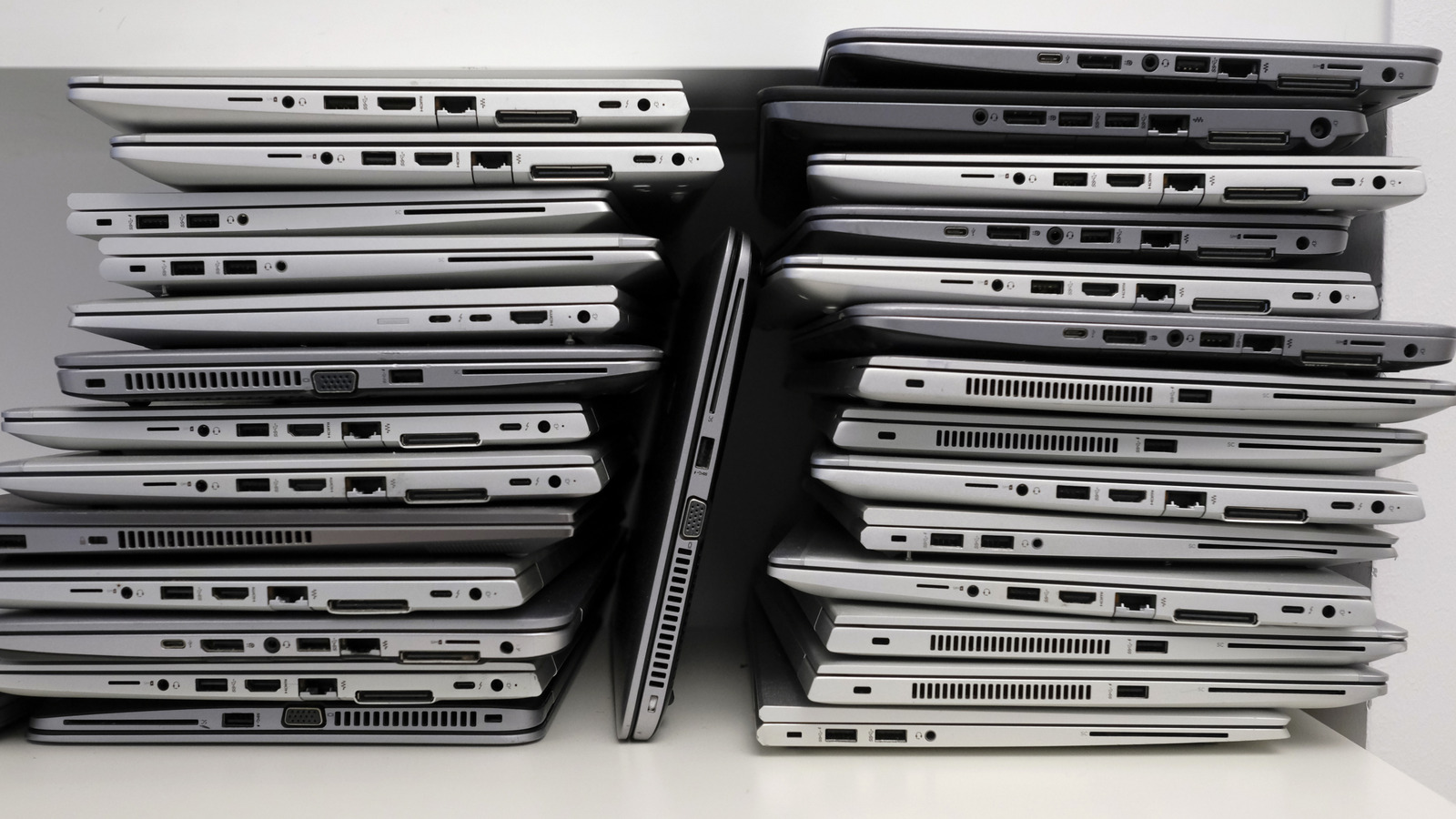
Can't upgrade to the latest OS? Getting performances that would shame a snail? Have a device that turns its fans to jet-engine mode when you open the browser? These might be signs that your laptop is getting too old. The problem with computers is that they're not like smartphones, where "old" is more quantifiable, and most people replace them at a more regular cadence of once every three years. It seems like people generally keep their computers for longer. So which laptop specs will really sign a device's death warrant in 2026?
We want to be abundantly clear, none of the items on this list unilaterally disqualify a laptop from service. Devices often last much longer than their manufacturers intended. Instead, we're looking at particular spec items that might strongly suggest your device is a bit too long in the tooth and in need of a replacement — or needs to be moved to Linux, at least, since Linux can make "outdated" hardware last for decades. If your device has any of the following, 2026 may be the year it deserves retirement.
Lack of TPM 2.0
 luchschenF/Shutterstock
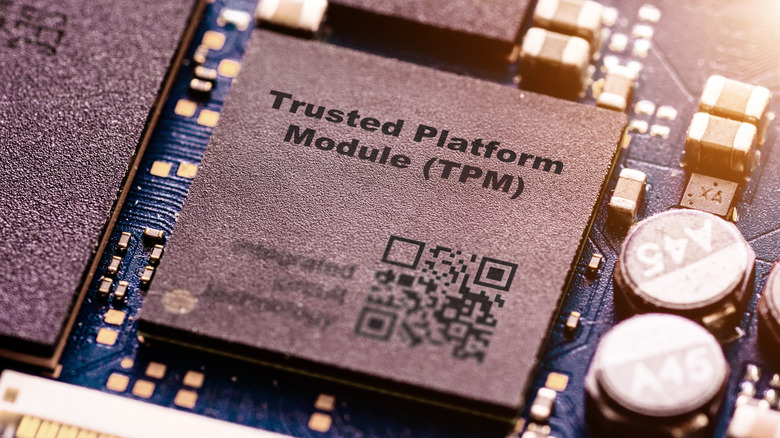
You saw this one coming from a mile away. Microsoft made waves when it officially unplugged Windows 10's life support on October 14th, 2025, leaving millions upon millions of computers in the cold. The only solution? Upgrade to Windows 11. Except you can't unless you have a TPM (Trusted Platform Module) version 2.0. This wasn't just frustrating because it felt arbitrary and sudden, it was frustrating because people figured out how to get around the TPM 2.0 requirement and run Windows 11 just fine. Microsoft's response? Whack-a-mole those workarounds and still force people to upgrade instead of letting Windows 11 work when, well, it works. So if you're a dedicated Windows user and you haven't figured out how to bypass the upgrade requirements, your computer is effectively obsolete.
Sticking with Windows 10 is not a good idea. Without security updates to patch vulnerabilities, your computer progressively becomes riskier to use, and Microsoft won't come to rescue you. A perfect example of this is how Windows XP — an unsupported, thoroughly legacy operating system — gets hit with a Biblical flood of viruses within literal minutes of connecting to the internet. Of course, Windows 10 is not as vulnerable, but it's only a matter of time. Using Windows 10 for one year might not be so bad, but using it for two, three, four, five years is like playing chicken with ransomware.
If you're not going to buy a new device, consider installing one of the best Linux distros for beginners. Linux is free to use and will work well for the needs of most. Most Linux distros will likely continue to support your device for much longer than Microsoft ever would.
HDD system drive
 Nikolay Chekalin/Getty Images
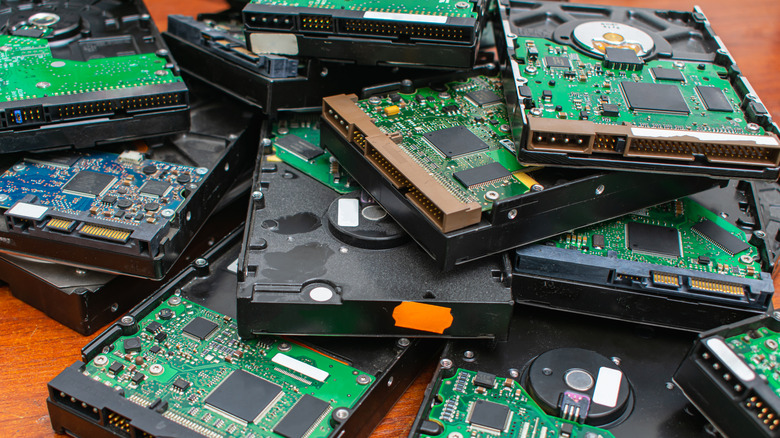
In the past decade or so, new devices have gradually shifted the system drives (where your OS is stored) from HDDs to SSDs. The main difference between an SSD and an HDD is speed. Like, a lot of speed. SSD-equipped computers boot in seconds, feel snappier, and can load up programs and games up to 100 times faster, depending on the model. HDDs still get the job done, but in recent years we've already seen them being treated as obsolete in certain applications. SSD speeds really matter for gaming. More and more modern AAA titles effectively require an SSD to play them.
Now, SSD requirements for running most programs (browsers, email clients, and messengers) aren't yet a thing. Windows 11 doesn't require an SSD, though maybe that will change; All the devices that support the latest macOS Tahoe have SSD system drives. System requirements aside, using an HDD on your system drive is going to make your experience painfully slow compared to an SSD. We'd only recommend having an HDD as extra storage, like the second drive inside a laptop or an external hard drive.
If you can't upgrade your computer to one that has an SSD system drive, you might be able to replace the internal drive. Check out your computer model on iFixit to see if you can. It might be a pain in the neck, and it might cost more than you'd like, but it will be worth it. All those seconds waiting for your computer to start, your programs to load, and your files to copy add up to hours of wasted time over the years, and the difference really is night and day — trust me.
8GB of RAM (or less)
 Anastassiya Bezhekeneva/Shutterstock
In the simplest of terms, RAM is temporary memory that holds whatever it is your computer is running at a given moment. More RAM means you can run more programs and access more data concurrently. Run out, though, and your computer will perform noticeably worse. Let us be clear from the outset: you can get away with 8GB of RAM on a modern system. Windows 11 only requires 4GB, and the oldest supported MacBook Air starts at 8GB. But if you can afford it, upgrading is worth every penny.
The problem is modern programs are really heavy. We tested four browsers by running four tabs and seeing how much RAM they used. Even the leanest one — Firefox — used about 700 megabytes of RAM. Meanwhile, Chromium browsers all used a full gigabyte. Now imagine running 8 tabs, 12 tabs, 16 tabs, or hundreds, like some people do. Add on the fact that you're probably running Outlook, a notes app, music app, VPN, messenger, etcetera, in the background. You can see where we're going with this. 8 GB of RAM in our modern internet age is a tight squeeze, even for casual users.
Sadly, RAM tends to be soldered into laptops, so upgrading it could be difficult or impossible. RAM needs may necessitate upgrading to a new system entirely. How much should you get? We recommend at least 16GB, but if you want to future-proof it, 32GB of RAM might not be overkill. Also take into account your RAM speed. DDR5 performs significantly better than previous-generation DDR4 and DDR3, so going with faster 16GB DDR5 could be better than slower 32GB DDR4 — depending, of course, on your use case.
No USB-C
 Panadesign/Shutterstock
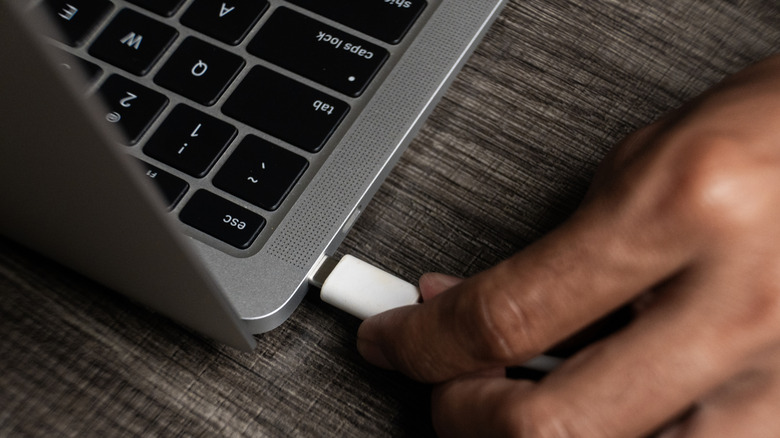
It's safe to say that USB-C is very close to being universal now. Aside from older hardware, we see it in everything; Smartphones, laptops, USB storage devices, Bluetooth earbuds, power banks, and even small, cheap gadgets. One USB-C cable can transfer data, charge devices, and transmit video and audio, and can be plugged in any orientation. Few reasons exist not to use it. This isn't to say that USB-A is gone — we still see it aplenty — but manufacturers are gradually ditching it even in the places where it has held out, like laptops. All current MacBooks no longer include it, to give one example.
Again, this isn't to say a laptop that only has USB-A ports should be scrapped on January 1st at midnight. However, you're going to encounter more and more situations where the lack of USB-C is incredibly inconvenient, possibly even detrimental. Imagine you need to plug in a USB-C thumbstick, or a mouse with a USB-C 2.4 GHz receiver dongle. Imagine you want to buy an external USB drive, but the better options available only support a USB-C version. You get the point.
These situations will probably crop up with increasing frequency as USB-A likely becomes even less common in 2026 and beyond. There are workarounds, of course, like using USB-A to USB-C adapters, but those get annoying and may not always support the same data transfer and charging speeds as you'd like. USB hubs and docking stations are another option, but — again — they have their limitations, and people often use USB hubs for everything they shouldn't. Having a dedicated USB-C port that supports modern standards, like Thunderbolt, is going to be a boon going forward.
Weak battery life
 Erstudiostok/Getty Images
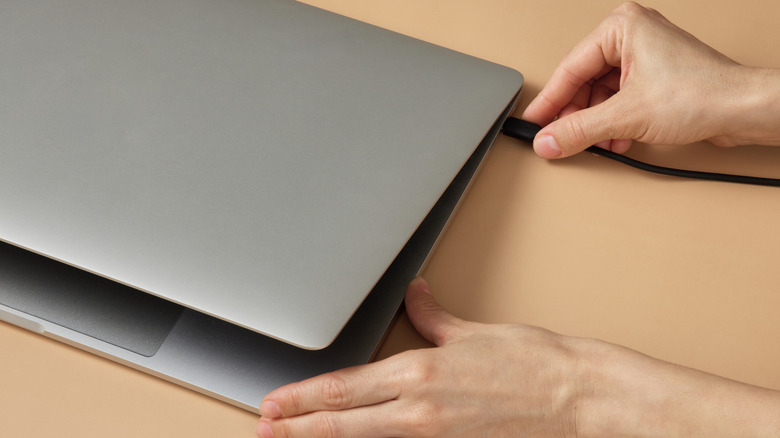
Pop quiz: What does good battery life on a laptop look like? If you answered four to five hours, then you're operating off outdated information. Laptops with the best battery life in recent years — including Windows laptops — are already comfortably getting a full day of usage before they call it quits. Granted, better battery life often necessitates using power-efficient ARM64 chips like Snapdragon X Elites and Apple Silicon M-Series, but even x86 chips can swing about half as much. Eking half a workday of juice out of your device is no longer the norm, even with an aged battery that's lost some of its charge.
Unfortunately, this is one of those areas where replacing the battery won't do. So if your laptop can't spend more than a couple of hours away from a plug, it's time to upgrade to something that can. As someone who fairly recently graduated from the doldrums of two-hour battery life to the raptured glory of ARM64's literal all-day battery, the difference is magical. No more carrying around big bulky chargers, no more battery anxiety on top of charging your phone. It's a game changer when you need a device for work, or any other situation where your laptop spends the day away from home.
720p display
 ASUS
ASUS
Kids these days not knowing what a floppy disc is makes me feel old, but something else that reminds me of my fragile mortality is how 720p is no longer HD on YouTube. I remember back in the 2000s when having a 720p television or computer monitor made you Mr. MoneyBags living in IMAX town, but nowadays even budget phones top that. Compared to 1080p, or better yet, 1440p or 4K, 720p doesn't hold a candle. Using 720p resolution in 2026 won't make your computer stop working, but it will be — like other options on this list — a considerable weakness.
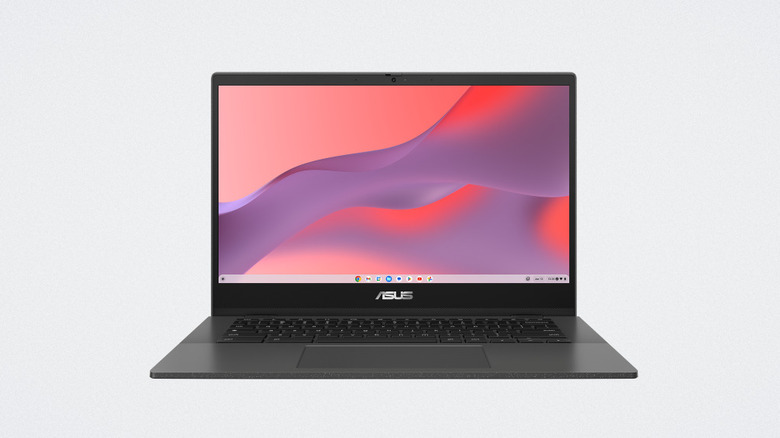
Some of you may be scratching your head, wondering, "Weren't 720p monitors obsolete a while ago?" Not quite. There are Chromebooks you can still buy today with sup-1080p monitors. This ASUS Chromebook CM14 laptop is one example, sporting a 1366x768 resolution. Some may be reading this on an older laptop with a 720p monitor that somehow limped its way into 2025 thanks to Linux, blood sacrifices, and prayers. It's time to upgrade, my friends.
The benefits are fairly obvious. Your UI looks crisper, text is easier to read, and full-HD content will be a noticeable facelift. Having less than 1080p resolution could be a literal waste of money if you have a Netflix subscription that supports a higher resolution. Of all the checkmarks on this list, this one comes right after the lack of a TPM 2.0 module as a must-upgrade.