- Computing
- Software
- Windows
Complaints about Microsoft being overly focused on AI continue to be aired
When you purchase through links on our site, we may earn an affiliate commission. Here’s how it works.
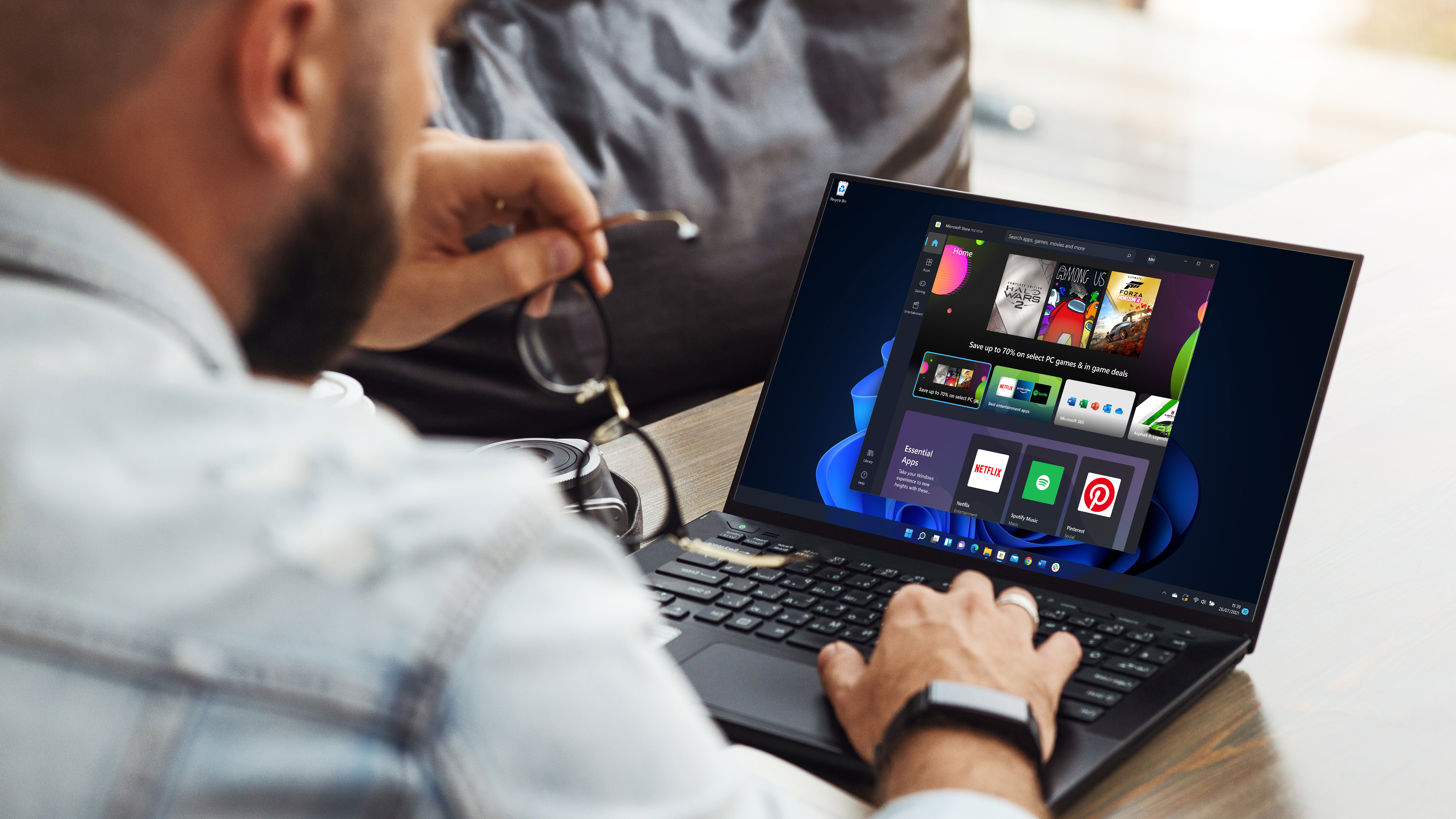 Windows 11 met de Microsoft Store-app geopend
(Image credit: Foxy burrow / Shutterstock / Microsoft)
Share
Share by:
Windows 11 met de Microsoft Store-app geopend
(Image credit: Foxy burrow / Shutterstock / Microsoft)
Share
Share by:
- Copy link
- X
- Threads
- A new preview build is out with further work on AI agents
- It shows how they'll function in the taskbar, though Microsoft is still experimenting with the details
- There's an ongoing negative reaction to Microsoft's current focus on AI
Windows 11's latest preview build has provided a clearer look at some of the nuts and bolts of how AI agents will work in the OS, and it introduces a number of other changes as well.
Microsoft's blog post explains what's new in preview build 26220.7523 in the Dev and Beta channels. There are several notable additions, including the mentioned AI introductions, which have once again sparked some controversy.
For starters, this new preview brings the Ask Copilot box to the taskbar for business customers – this has already arrived in testing for consumers – and Microsoft reminds us that you can invoke AI agents directly from there.
You may like-
 Microsoft is improving its best feature for Copilot+ PCs – and that gives me hope for the future of AI in Windows 11
-
 Microsoft tries to soothe fears as it prepares to test 'agent workspaces'
-
 Microsoft explains how Windows 11's AI agents get access to your files
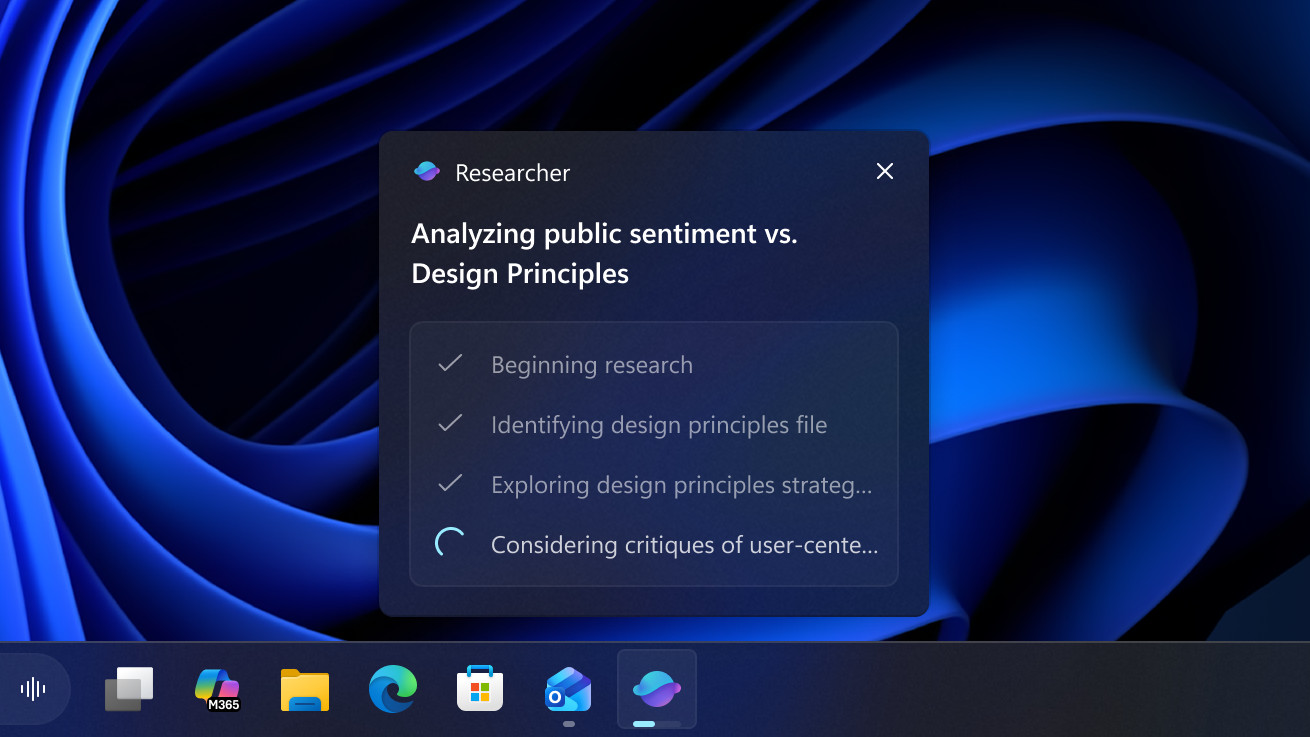
Microsoft is also moving forward with testing how AI agents will actually work in the taskbar. We get an example here that's focused on Researcher, one of the initial planned agents for Windows 11, which, as the name suggests, autonomously conducts research for you (with access to certain files granted for that purpose). It can "dig into a topic and build a detailed report," and you can track the agent's progress in the taskbar.
Microsoft is testing a feature whereby hovering the mouse cursor over the Copilot or Researcher icon in the taskbar will give you the agent's reasoning updates in real-time, so you can check up with the AI's progress at a glance. Microsoft is also experimenting with whether Research (or other agents) should be a separate icon on the taskbar, or be rolled into the Copilot icon.
Those who want to keep taskbar bloat down may well lean towards the latter idea, though keen users of agents who have multiple AIs working on tasks could perhaps prefer those icons to be separate.
Microsoft further notes that with this preview build it's introducing Agent Launchers for Windows 11, which is a "new framework that enables Windows apps to register AI agents and make them discoverable across the system".
Get daily insight, inspiration and deals in your inboxContact me with news and offers from other Future brandsReceive email from us on behalf of our trusted partners or sponsorsBy submitting your information you agree to the Terms & Conditions and Privacy Policy and are aged 16 or over.Essentially, this is the groundwork to allow for third-party agents (aside from Microsoft's own agents like Researcher, Copilot, or Analyst) to work within Windows 11 and be integrated with the Ask Copilot box (and Microsoft 365 Copilot).
Elsewhere in this preview release, there's a change for File Explorer, whereby everyday users will now see people icons on the File Explorer home page. These will appear in the 'Activity' column and in the Recent or Recommended sections, meaning that when you mouse over a people icon, you'll get that person's key details on a pop-up card (allowing you to message them, or fire up a call, and so forth).
It's a potentially handy change, but one that'll only apply to consumers who are signed in with their Microsoft account in Windows 11.
You may like-
Microsoft is improving its best feature for Copilot+ PCs – and that gives me hope for the future of AI in Windows 11
-
Microsoft explains how Windows 11's AI agents get access to your files
-
 Top Windows 11 exec tries to put out flames around agentic AI controversy
Another step forward here is that Microsoft has fixed the 'flashbang' bug with File Explorer, ironing out the remaining problems whereby people would still see white flashes when switching tabs in File Explorer.
Voice Access is also benefiting from an improved setup process to make it easier to get going with this feature, and voice typing with the touch keyboard has been revamped to make it more intuitive.
Analysis: AI continues to rub some people up the wrong way
This represents quite a stride forward with AI agents, and it should be interesting to see how these entities are presented on the taskbar in the end. As noted, it's largely going to be a subjective matter as to whether you want agents to have their own separate taskbar icons, or be integrated with the Ask Copilot box. So, perhaps the best approach, as always, is for Microsoft to present options to that effect, so people can choose their own preference.
Many people would prefer that Microsoft isn't working on AI agents at all, mind, and there's still a negative ongoing reaction to this (as you can see in the official Reddit thread introducing the new preview build). Yes, you don't have to turn on AI agents if you don't want them – neither in testing now, nor in release, when they're eventually unleashed for us all – but people are still unhappy that Microsoft is prioritizing their development over more fundamental issues with Windows 11.
As we see from the comment which has floated to the top of that Reddit thread, it again repeats the line that Microsoft shouldn't be forced to work on AI 'stuff' (language moderated) rather than solving 'UX problems' (issues with the user experience – the interface and performance therein) instead.
And it has to be said, there's a case to be made here, for sure – and while I don't expect Microsoft to pause the development of AI features (that, frankly, is never going to happen), there's definitely a better balance to be struck between progress and honing what already exists within Windows 11.
 The best computers for all budgetsOur top picks, based on real-world testing and comparisons
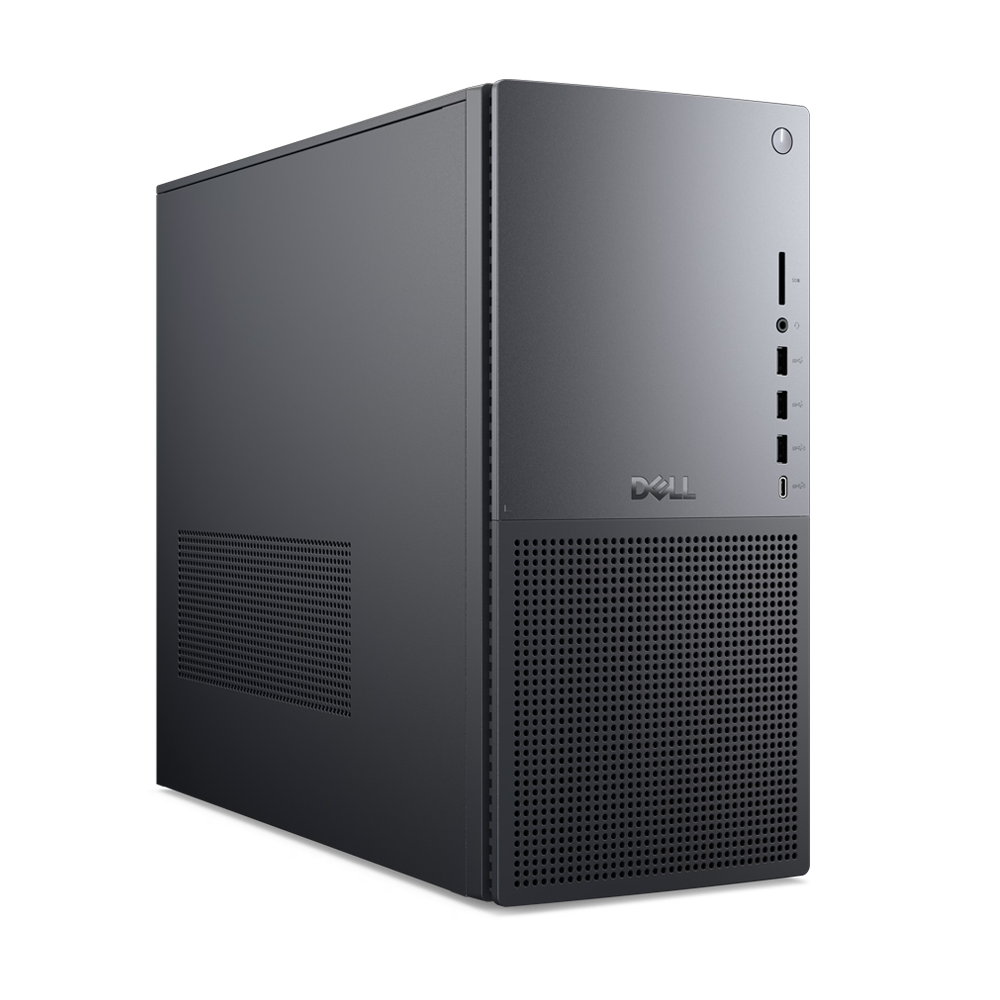
➡️ Read our full guide to the best computers1. Best Windows: Dell Tower Plus2. Best Mac: Apple Mac mini M43. Best Mac AIO:Apple iMac 24-inch (M4)
Follow TechRadar on Google News and add us as a preferred source to get our expert news, reviews, and opinion in your feeds. Make sure to click the Follow button!
And of course you can also follow TechRadar on TikTok for news, reviews, unboxings in video form, and get regular updates from us on WhatsApp too.
TOPICS Windows 11 AI Darren AllanDarren is a freelancer writing news and features for TechRadar (and occasionally T3) across a broad range of computing topics including CPUs, GPUs, various other hardware, VPNs, antivirus and more. He has written about tech for the best part of three decades, and writes books in his spare time (his debut novel - 'I Know What You Did Last Supper' - was published by Hachette UK in 2013).
Show More CommentsYou must confirm your public display name before commenting
Please logout and then login again, you will then be prompted to enter your display name.
Logout Read more Microsoft is improving its best feature for Copilot+ PCs – and that gives me hope for the future of AI in Windows 11
 Microsoft explains how Windows 11's AI agents get access to your files
 Top Windows 11 exec tries to put out flames around agentic AI controversy
 Microsoft's warning on 'security implications' of AI agents is causing panic
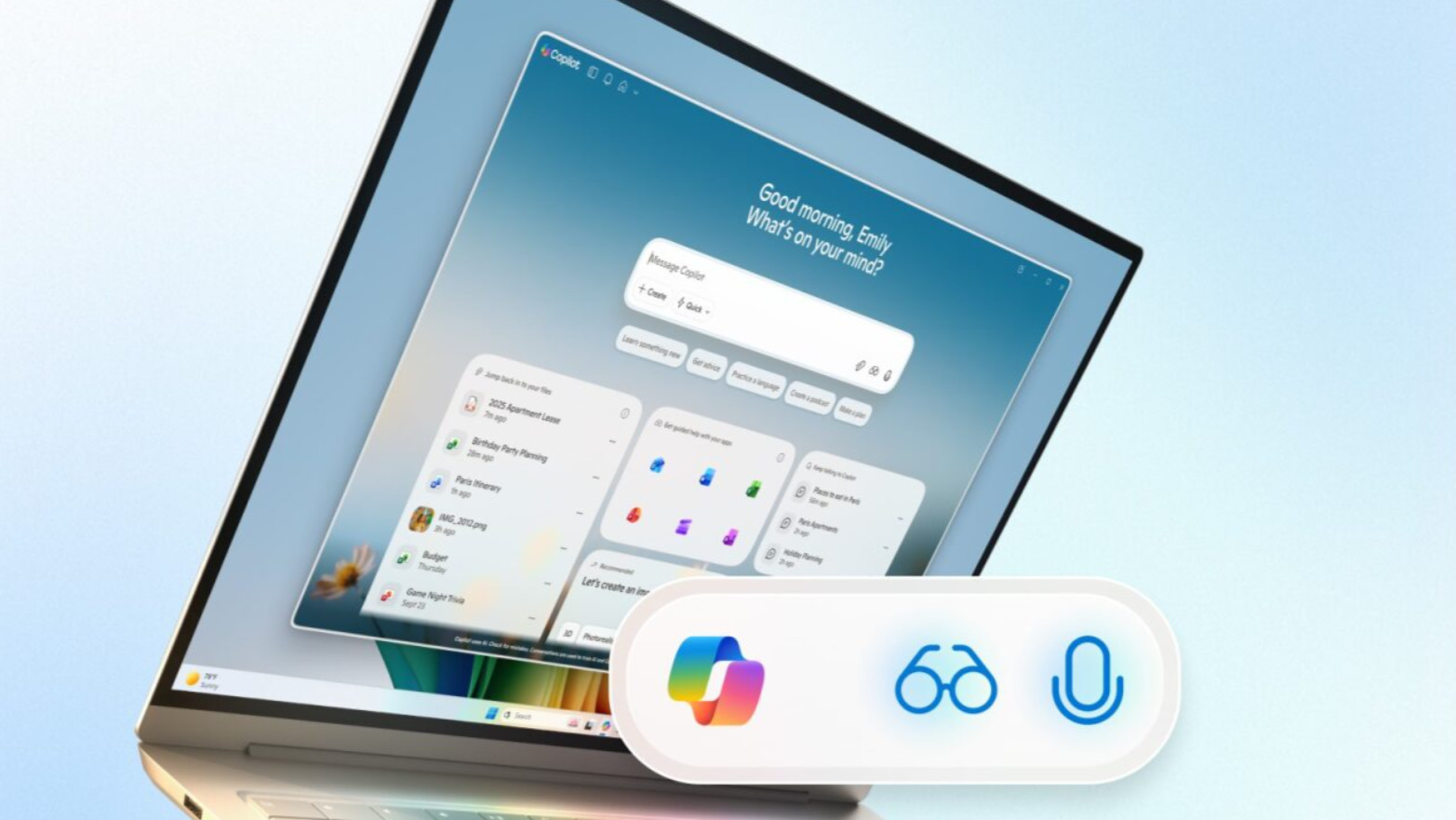 Microsoft reveals plan to 'make every Windows 11 PC an AI PC' with new voice input, Copilot Vision and supercharged AI powers
 Microsoft exec says cynics about AI in Windows 11 are 'mind-blowing to me'
Latest in Windows
Microsoft exec says cynics about AI in Windows 11 are 'mind-blowing to me'
Latest in Windows
 Remotely locking your Windows 11 PC is now possible using an Android phone
Microsoft explains how Windows 11's AI agents get access to your files
Remotely locking your Windows 11 PC is now possible using an Android phone
Microsoft explains how Windows 11's AI agents get access to your files
 Microsoft is fixing a huge problem with a nifty Windows 11 security feature
 Microsoft Store now offers free handpicked themes to spruce up Windows 11
 New Windows 10 update reportedly breaks StartIsBack and causes other issues
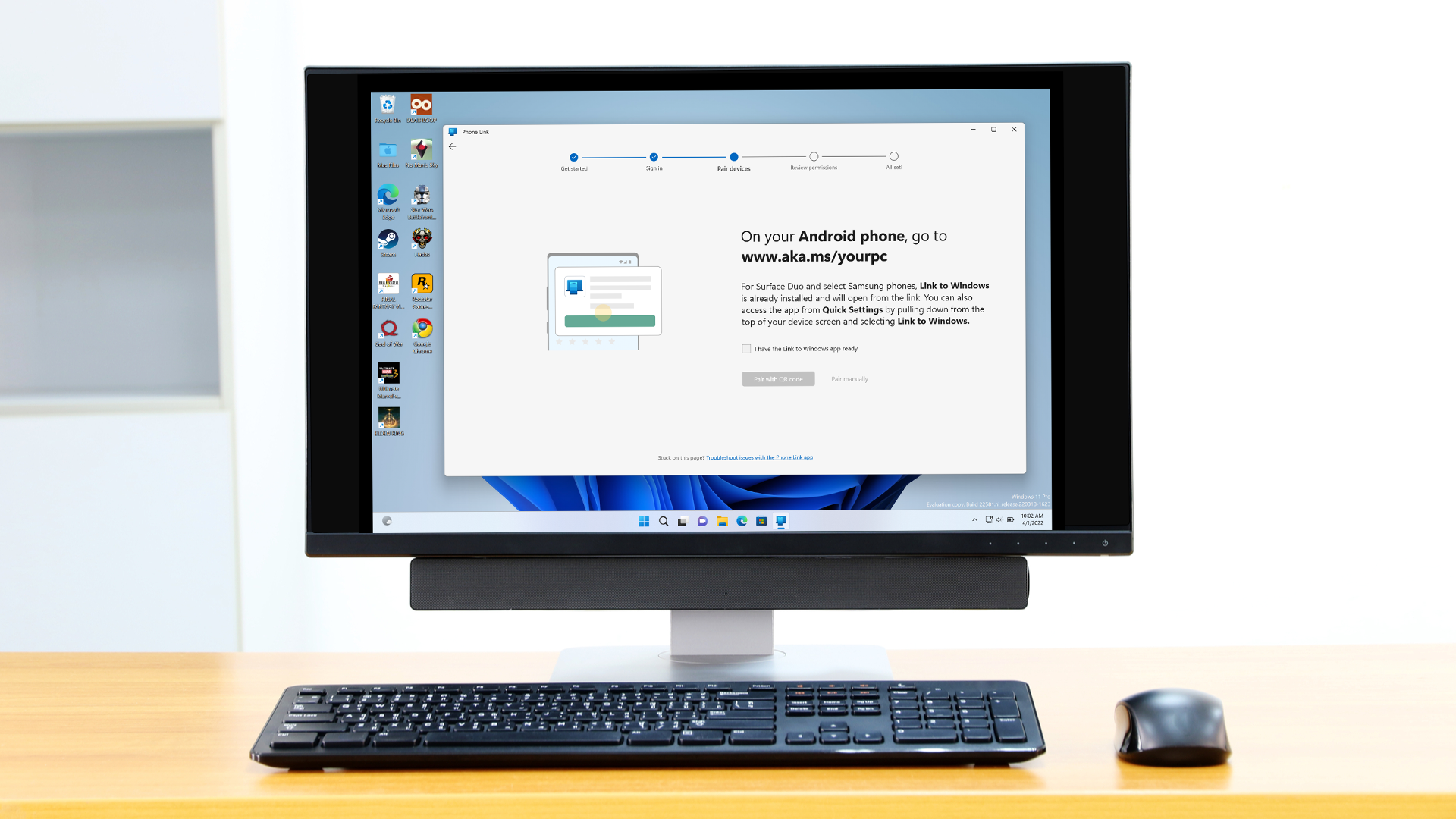 Microsoft has just made Phone Link even better with Android apps
Latest in News
Microsoft has just made Phone Link even better with Android apps
Latest in News
 Marvel Rivals studio teases a big year ahead for the game — 'We're not going to slow down'
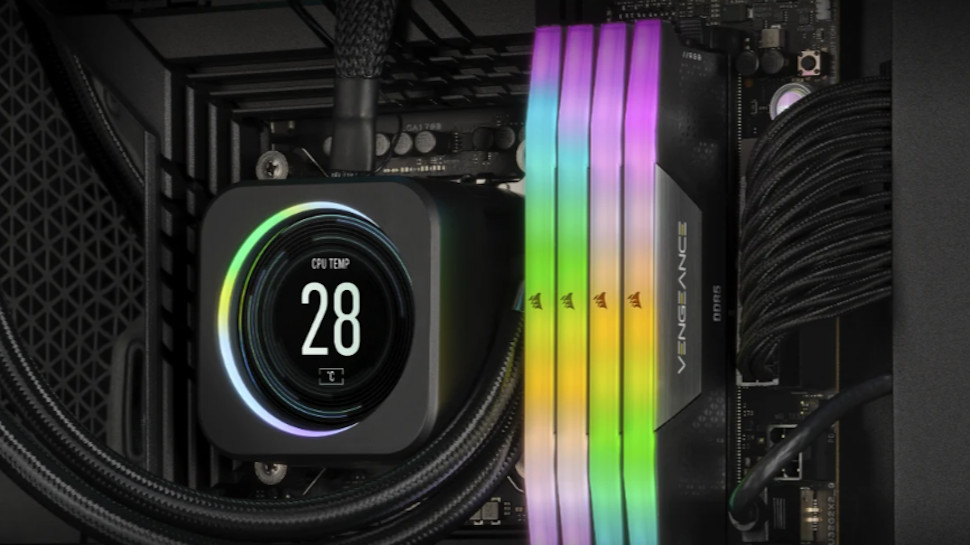 DDR5 RAM kit from Corsair was reportedly swapped for dummy RGB modules
 Dyson Spot+Scrub Ai robot vacuum first impressions: redemption?
 Surfshark expands dedicated IP to Linux in its latest desktop update
 ‘It’s good to have limitations’: Clair Obscur: Expedition 33's creative director says Sandfall Interactive's next game won’t on a bigger scale despite huge success
 iOS 26.3 adds AirPods features to third-party earbuds — but just in the EU
LATEST ARTICLES
iOS 26.3 adds AirPods features to third-party earbuds — but just in the EU
LATEST ARTICLES- 1Santa tracker 2025 live – where is Santa right now and how to track him with NORAD and Google
- 2Remote desktop software isn't just for work - DeskIn wants to help boost your gaming experience with a tool that's more at home in an office
- 3$300 Intel B50 video card emerges as a surprisingly capable Pro GPU — but Nvidia's older Ada generation emerges as a bit of a bargain
- 4Worrying WhatsApp attack can steal messages and even accounts - here's how to stay safe from "poisoned" attack
- 5I've been testing this Eufy robovac for two weeks, and it has some of the best mopping I've seen